Plan the block. Train it. Understand what moved, and trust the data underneath. Every set feeds the next.
Set types from warm-up to failure. Exact reps, ranges, or AMRAP. Effort as reps in reserve, tempo, rest, even loads written as a percentage of your top set.
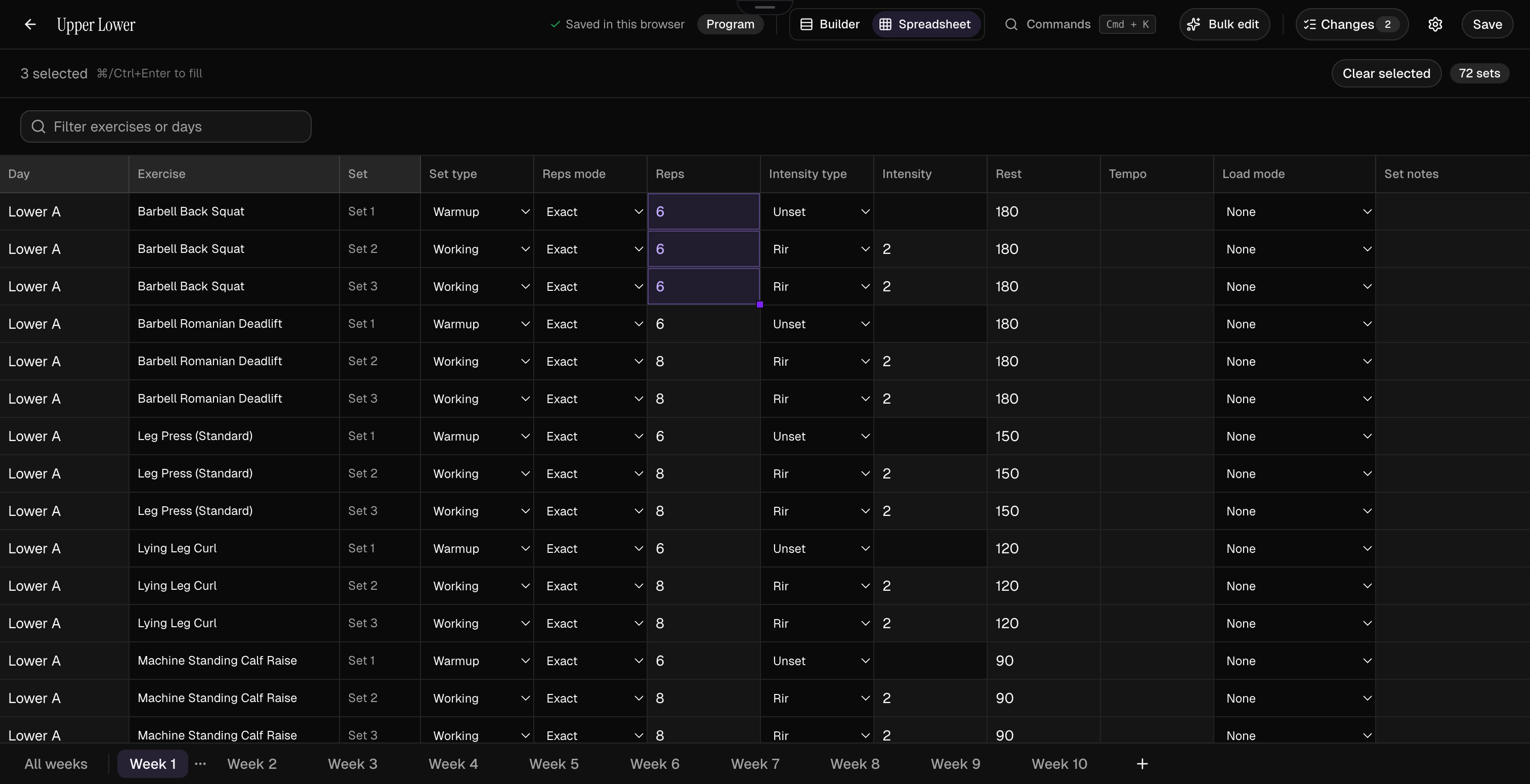
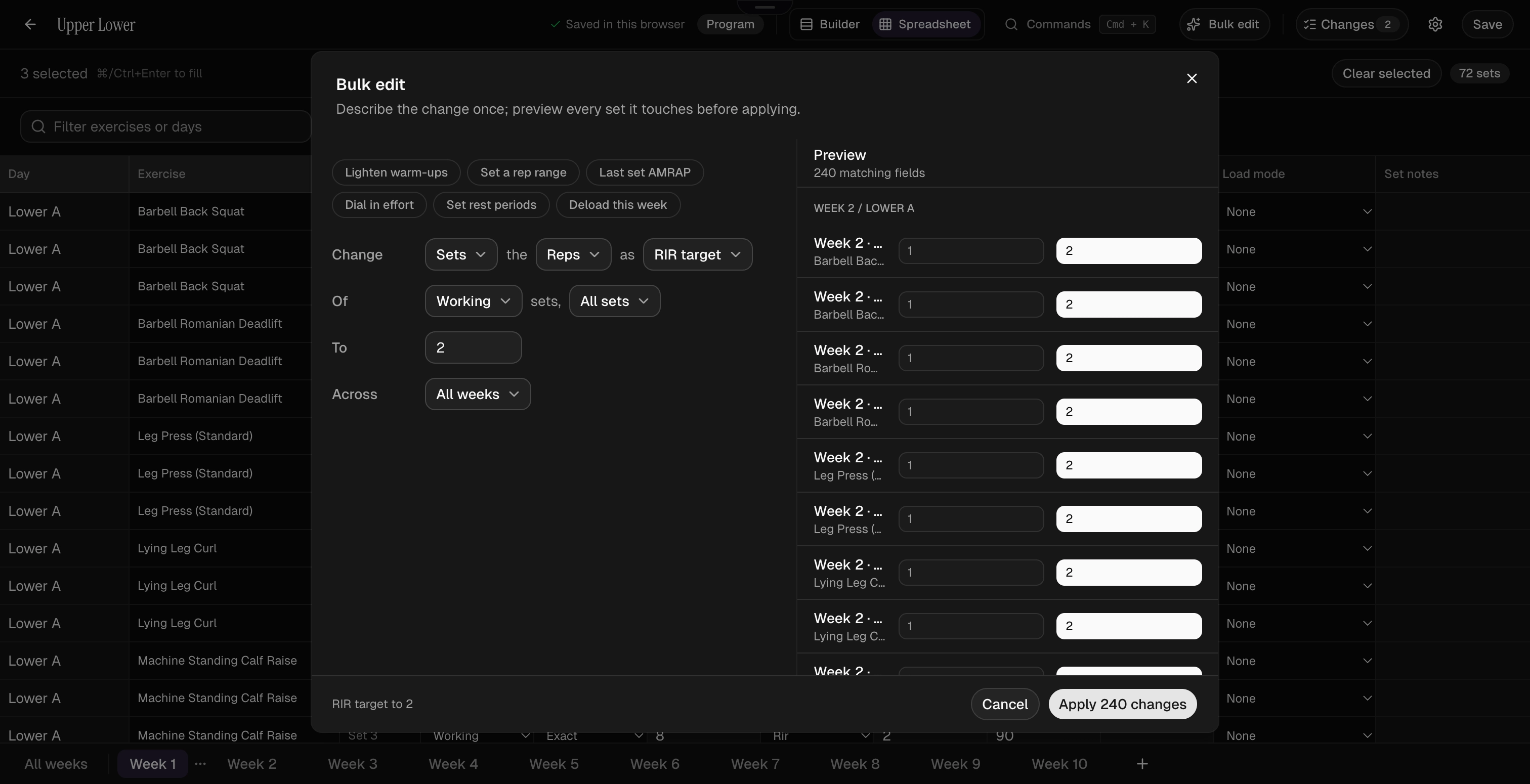
Edit at block scale with a spreadsheet view, fill, find-and-replace, bulk-edit rules that preview before they apply, and a command palette.
The editor shows you exactly what changed before you save, and can walk it back after.
Save a session once and drop it into any program, with custom exercises and CSV import included.
Choose your training weekdays, then move days, pause weeks, and resume when life allows.
One edit
changes a progression across every week of the block.
What you did last time, what to load this time, and a rest timer that follows you to the lock screen.
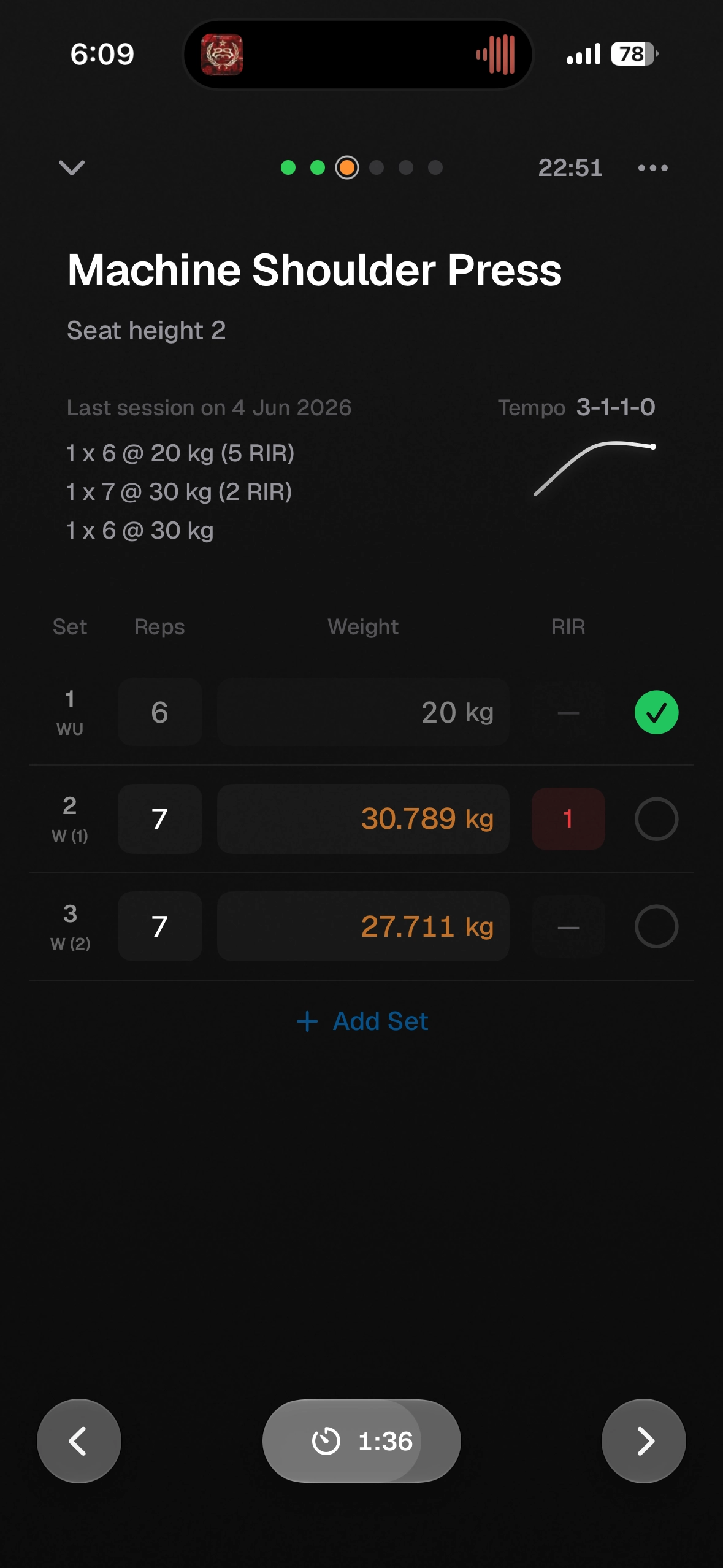
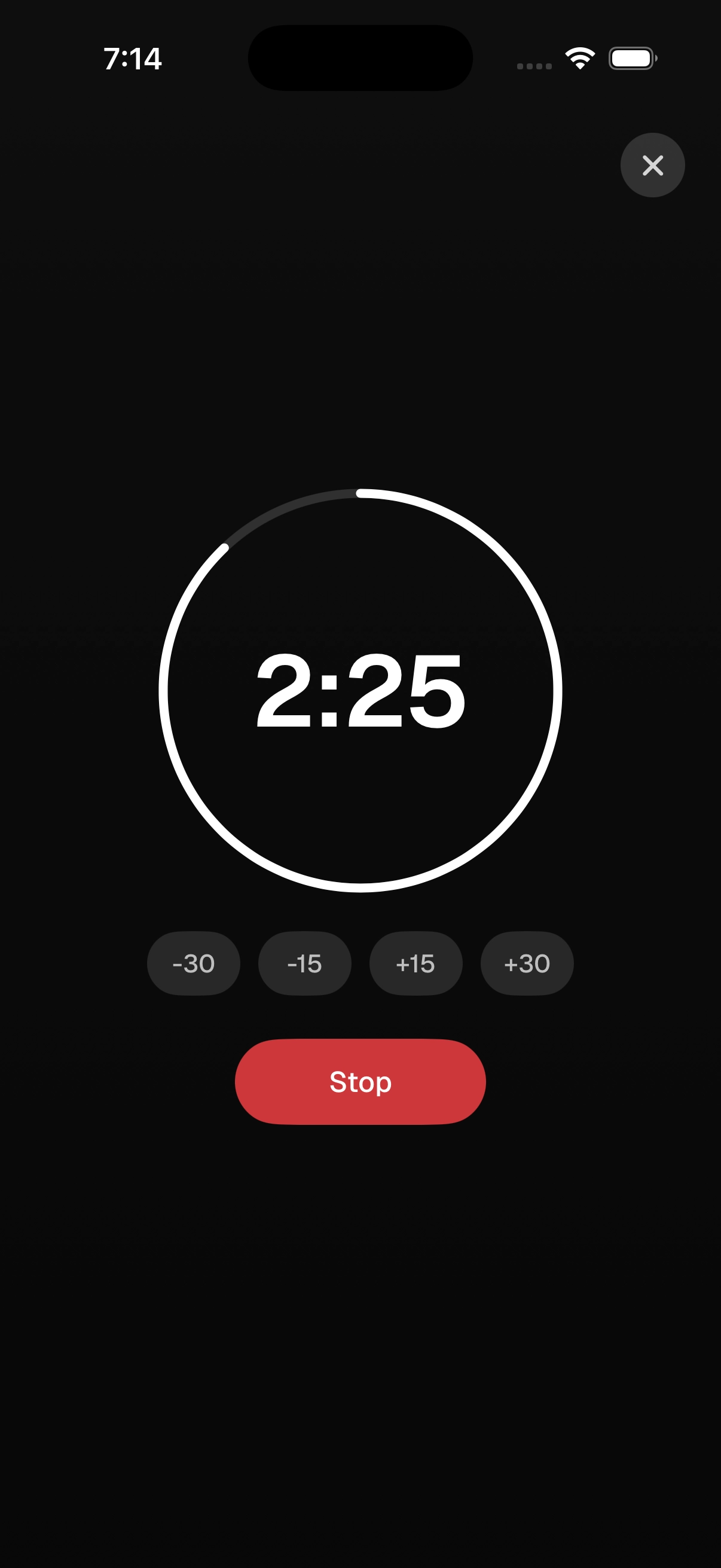
Last time's weight, reps, and effort sit under the set you are logging, ready to autofill.
Your suggested load is worked out from your logged sets and estimated 1RM, adjusted for the reps you left in reserve.1
The rest timer runs in the Dynamic Island, the workout minimizes while you reply, and whole sessions log offline.
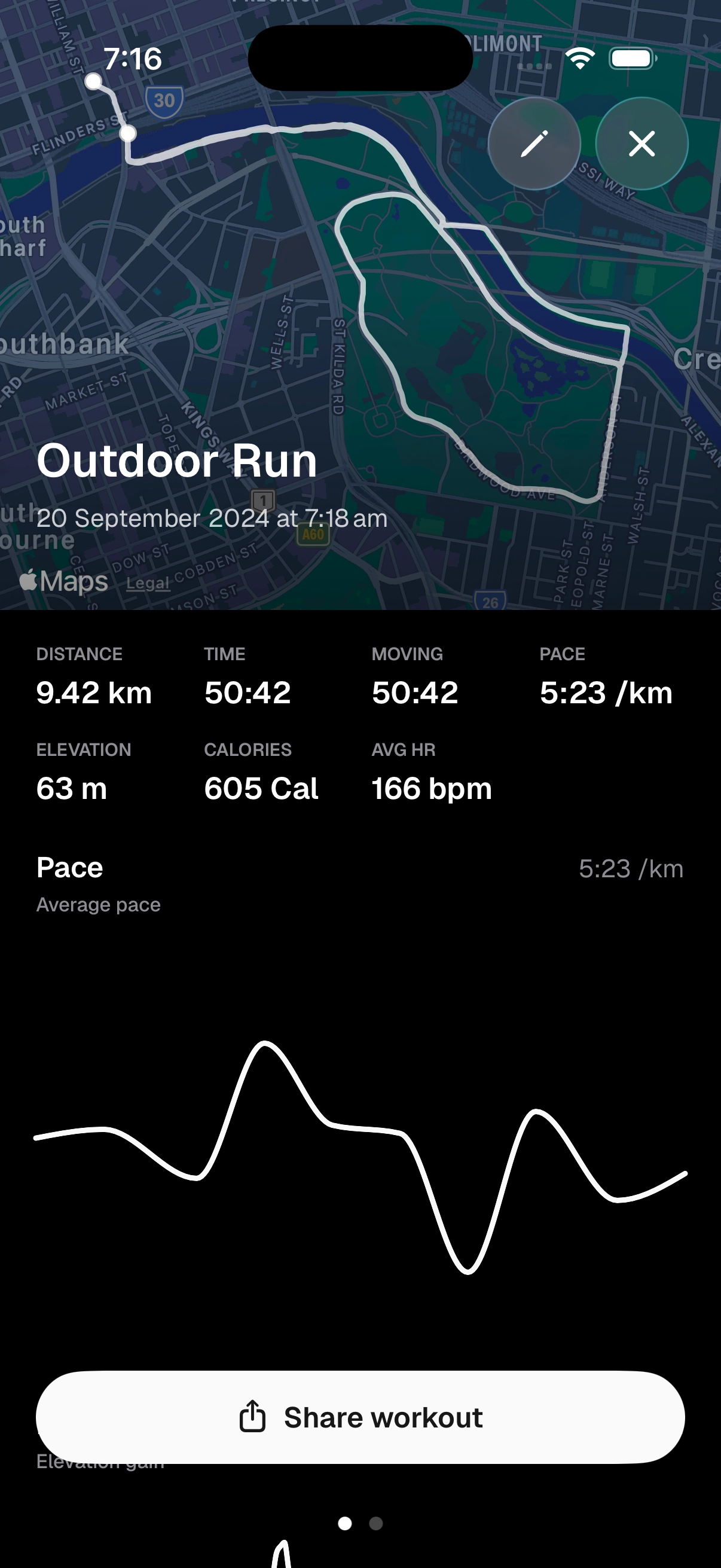
Cardio gets live pace, GPS routes, moving time, kilometre splits, and intervals executed against their targets.
Every finish gets a proper celebration: PRs called out with their own haptic, and sharing that trims the start and end off your route before it goes anywhere.
0
cardio activity types, logged with the same care as your lifts.
Method reads your history and shows exactly what moved. Each lift's estimated 1RM across the window, the sessions behind it, and the drivers underneath.
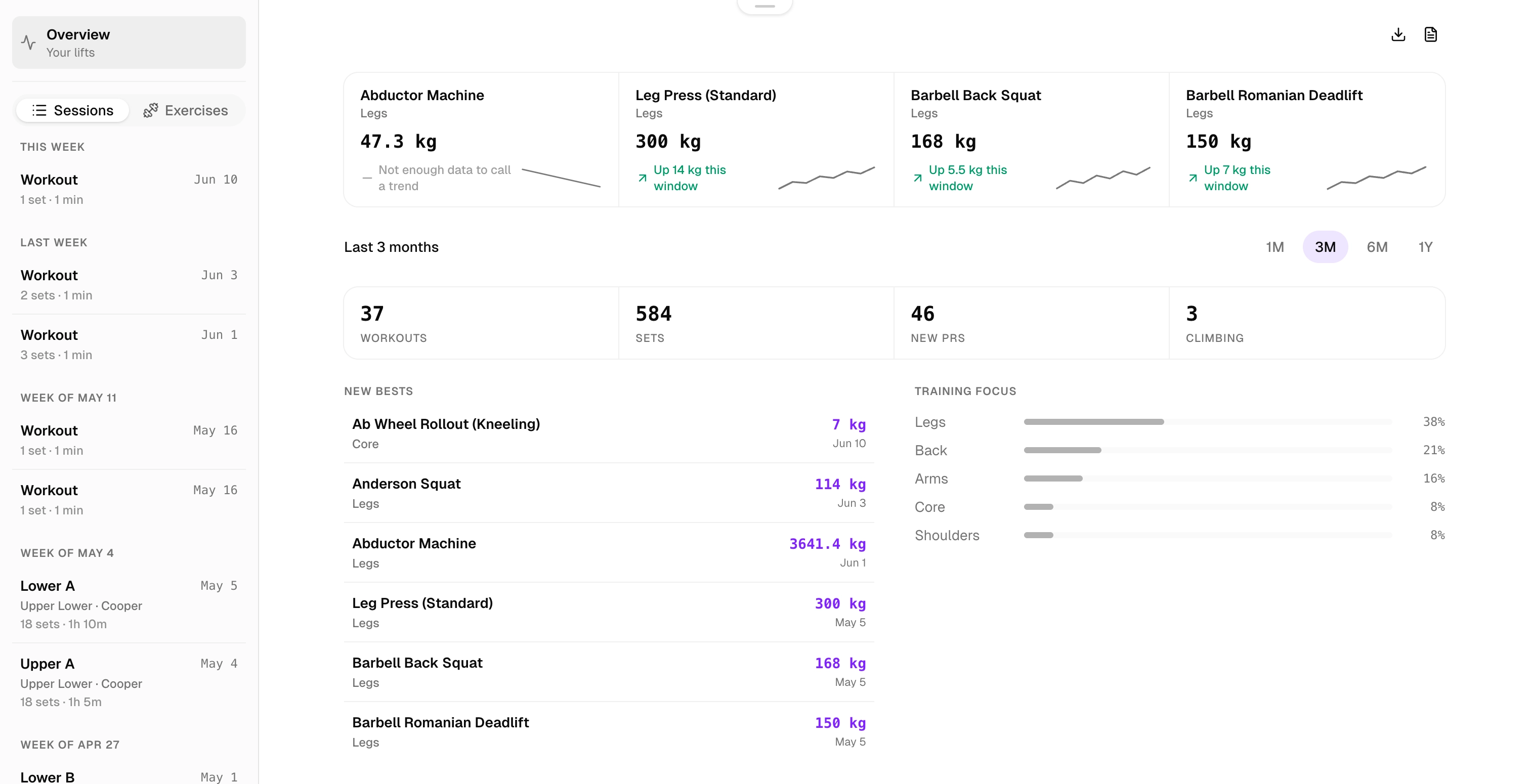
Each lift shows where estimated 1RM went across the window, up, down, or held inside a range, with the exact figures. If there is not enough data to say, it says that.2
Logged frequency, logged effort, load and reps, and your latest PR, each showing its own figures from the same sessions.2
Estimated 1RM credits the reps you left in reserve, and warm-ups and drop sets never set a PR.
Your fastest 1 km, 5 km, and 10 km come straight from your routes, with pace and heart-rate trends across the block.2
Your numbers come from sets you actually logged, and they stay the way you left them.
The weight Method suggests comes from sets you actually logged. It reads what you lifted last time and what you have already done today, so if you go heavier than planned the next suggestion moves with you.
Import from Apple Health as often as you like and the same run never shows up twice. Mistype something and you can fix it after the session closes, and everything built on it follows.
If you ever want out, your full history exports to CSV and PDF, and deleting your account takes the data with it.2
Free includes full logging, previous performance, suggested loads, thirty days of history, six programming weeks, four saved sessions, and twenty-five custom exercises.