
Training with a coach
Accept a coach's invitation, follow the program they publish to your calendar, answer check-ins, send form checks, and read their feedback in the iPhone app.
Accept an invitation
Your coach sends a link or an email. Opening it shows the coach and workspace, and the list of what they are asking for. That list can include scheduling training into your calendar, seeing the assigned work you complete, seeing your full training history including work from before you accepted, seeing your body measurements, and seeing trends over the training you share. If the invitation includes an intake form, you see its questions before you accept.
Accepting creates the coaching relationship. You keep your own account, your own programs, and everything you have logged.
Your assigned program
When your coach publishes a program to you, its sessions land on your calendar. If your coach left the start date to you, the program appears in your Programs and you choose when to start it. Start a session from the calendar and log it as usual. Your coach sees the weights, reps, and effort you record.
A program from your coach is held by their workspace. It does not count toward the programming weeks of a free account, and it sits alongside any program you write yourself.
Check-ins
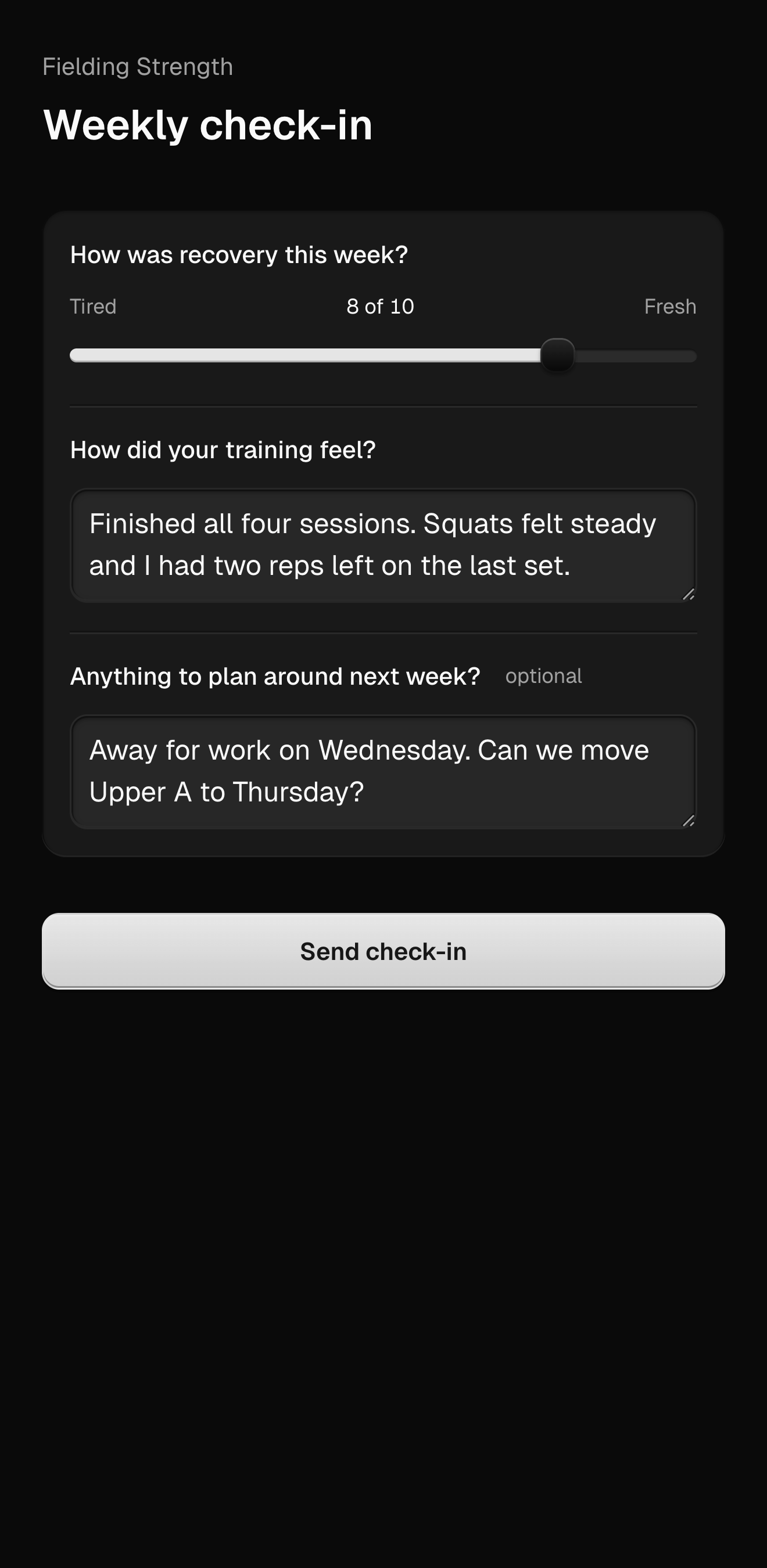
Your coach can ask a set of questions on a rhythm, for example every Sunday. Each check-in arrives in the app when it is due, with written, yes or no, rating, number, pain, measurement, and photo questions as your coach built them. Answer and submit. Your coach's review comes back to the same place.
Form checks
Your coach can ask for a form check on an exercise, or you can send a video of a lift from a session. Your coach pauses the video, draws on the frame, and leaves notes at timestamps, then sends a summary. You can return to the review whenever you want.
Your coach sets how many form checks you can send in a week or a month.
Messages
Your conversation with your coach is in the app, with photos and videos.
Ending
You can end the coaching relationship from your account at any time, and so can your coach. Your account and your logged history stay with you.
Last updated September 7, 2026. Markdown version