
Calendar, Library, and starting sessions
Calendar covers what comes next, Library covers finding saved work, and the session flow covers anything you are about to complete.
The iOS app has three tabs, and each answers a different question.
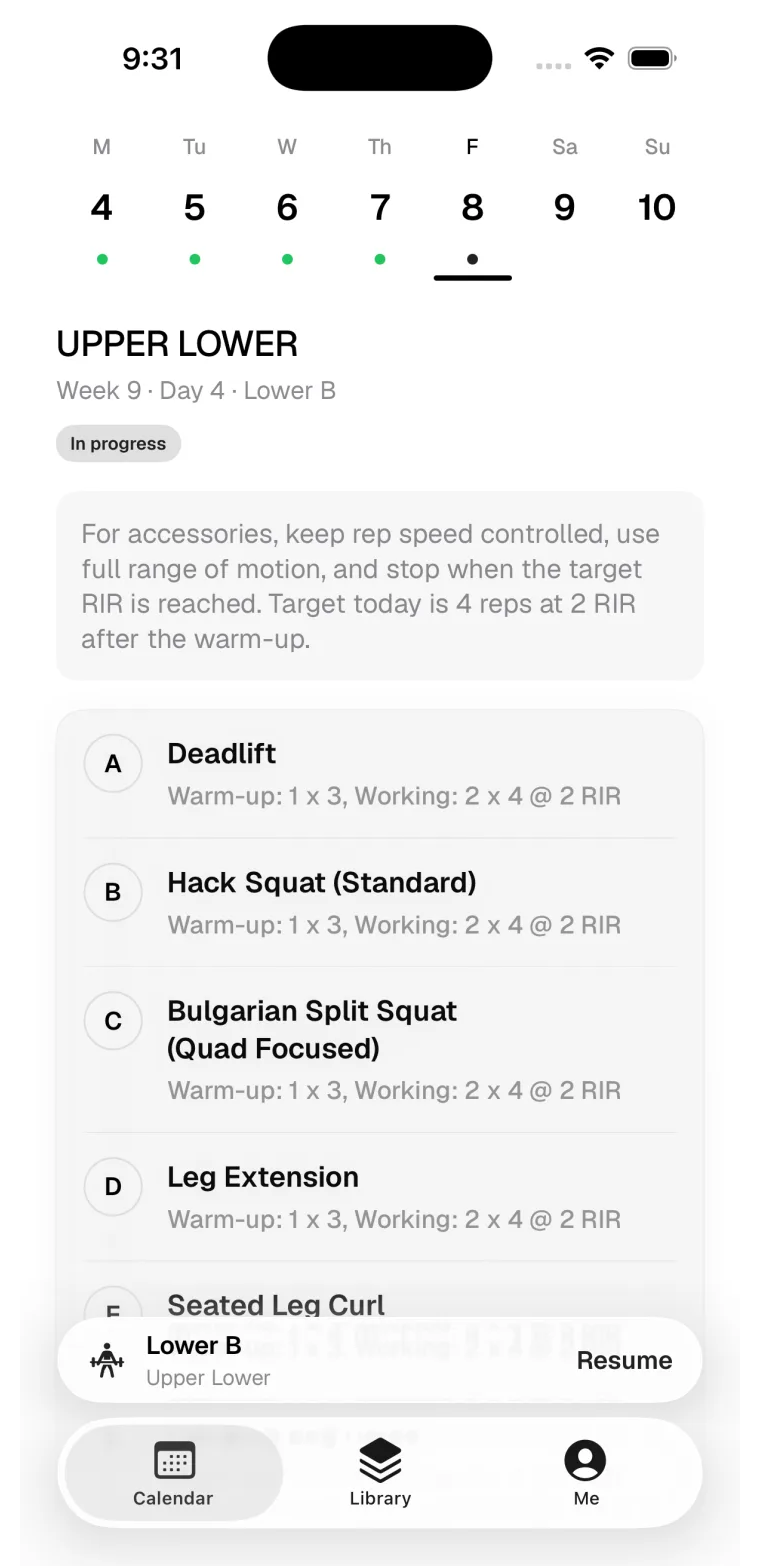
Calendar: what should I train?
Calendar shows scheduled training days and gives you the shortest path into the next session. Use it when deciding what to train today, resuming a session you started, or checking the week ahead.
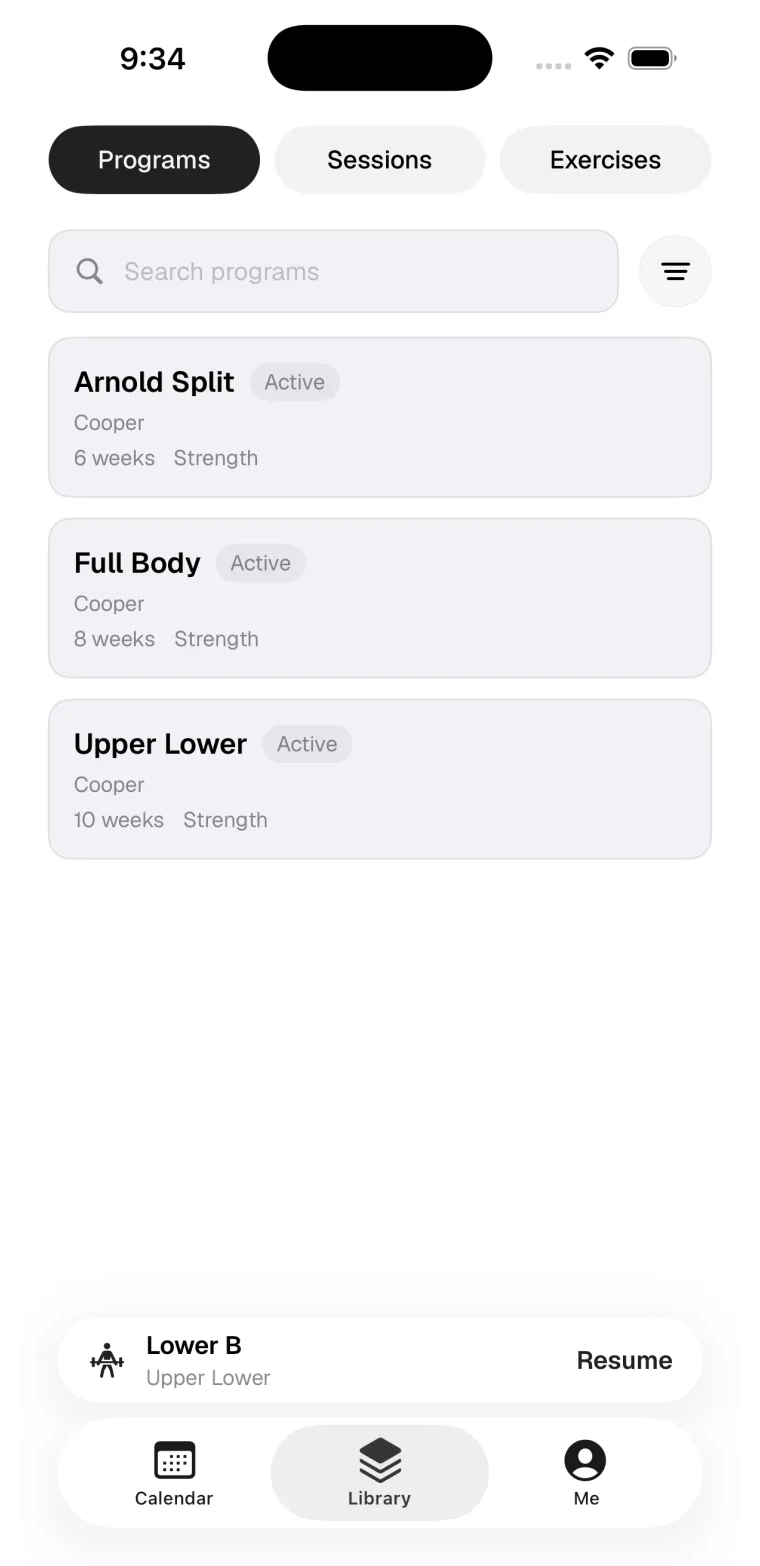
Library: where is that thing I made?
Library keeps programs, sessions, and exercises available on your phone. Use it for quick lookups and selection. Use web when you need a larger editing surface.
Starting a session
From Calendar
Tap today's training day and start it. This is the normal path for scheduled work.
From Library
Open a saved session and start it directly when you want to train something outside the schedule.
Resuming
An in-progress session shows a resume bar above the tab bar from anywhere in the app.
Last updated May 9, 2026. Markdown version