
Choose the right Method workspace
Web has more room for building. iPhone is for the gym, and you can write programs there too.
Planning training and doing training are different jobs. Web has space for blocks, bulk edits, and exports. iPhone is what you open at the rack.
What belongs where
Best when you are sitting down to think about training.
- Building and editing multi-week programs
- Saved session reuse and imports
- Exercise library management, including CSV import
- Advanced set prescriptions that need horizontal space
- History exports and subscription setup
Best when the phone is in your hand.
- Building and editing programs
- Calendar and starting scheduled sessions
- Logging strength workouts set by set
- Tracking cardio
- Library lookups mid-session
Settings sit across both
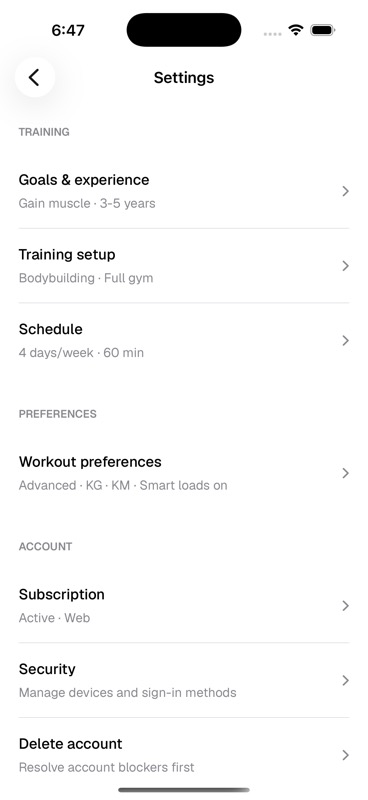
Onboarding chooses the first version of your training profile, tracking mode, units, and smart load preference. You can change those later from Account settings on web or Workout preferences on iOS.
Last updated August 25, 2026. Markdown version